GIF Meme Maker: add text to any GIF
Turn any meme GIF into your own: pick an animated template or upload a GIF, type your caption, and download a new GIF. Everything runs in your browser — your GIF is not uploaded to our server — and it's free with no account.
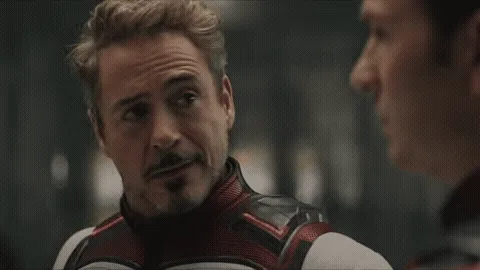 Tony Stark Head Turn (Animated GIF)
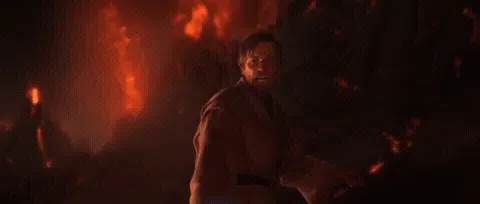 It's Over Anakin, I Have the High Ground (Animated GIF)
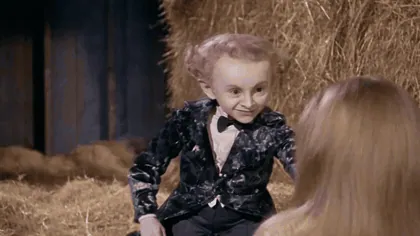 AI Rumpelstiltskin Tip Toe Dance (Animated GIF)
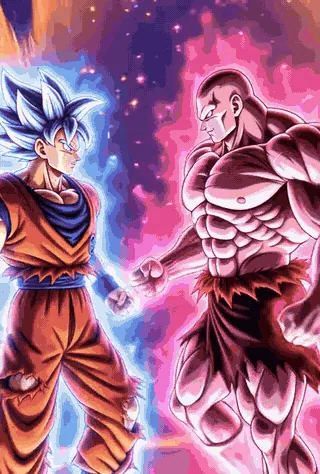 Jiren and Goku Dancing (Dragon Ball Dance) (Animated GIF)
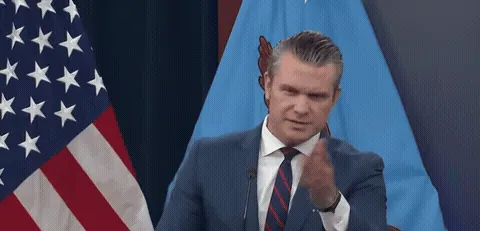 Typical Liberal Question (Hegseth) (Animated GIF)
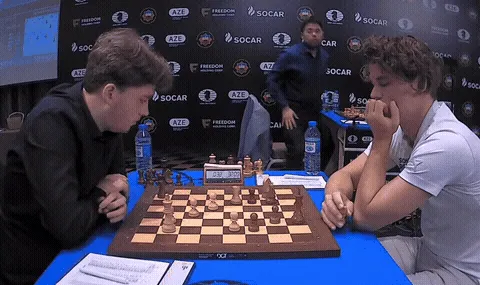 Hikaru Realizing Magnus Is Losing (2.13 Seconds) (Animated GIF)
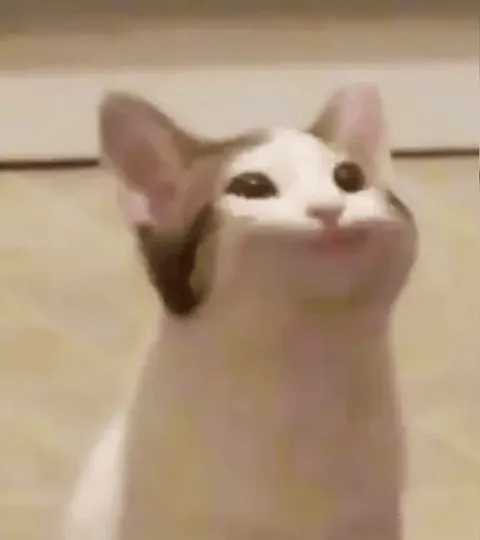 Pop Cat (Animated GIF)
 Laughing Cat (Animated GIF)
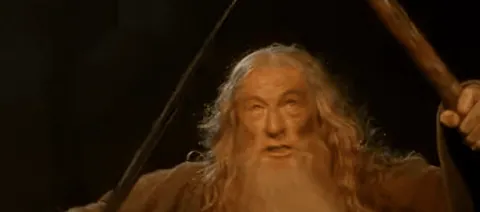 You Shall Not Pass (Animated GIF)
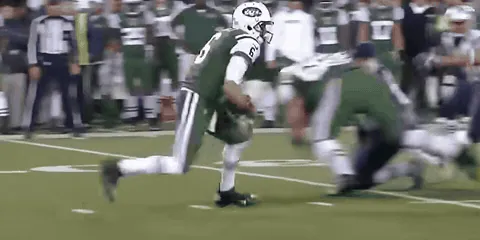 Butt Fumble (Animated GIF)
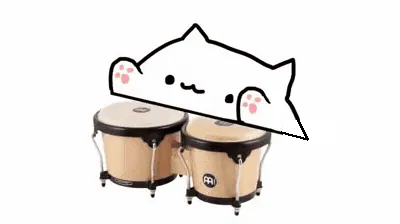 Bongo Cat (Animated GIF)
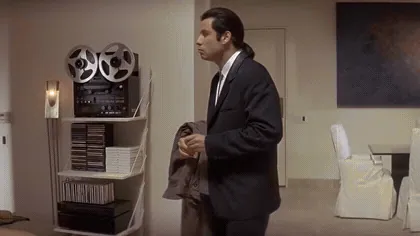 Confused Travolta (Animated GIF)
- Make a GIF from a video
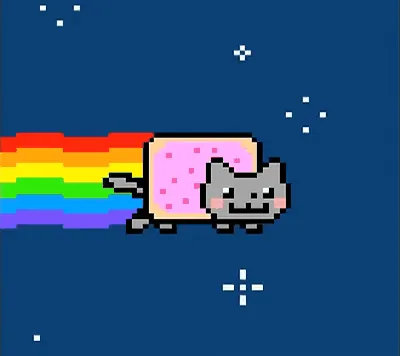 GIFNyan Cat (Animated GIF)
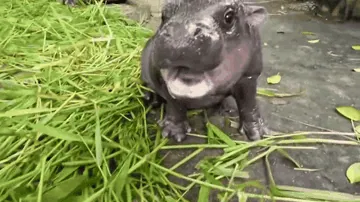 GIFMoo Deng (Animated GIF)
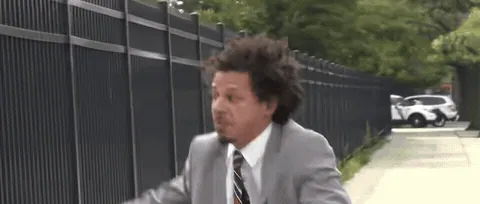 GIFLet Me In (Animated GIF)
 GIFHuh Cat (Animated GIF)
 GIFOIIA Spinning Cat (Animated GIF)
- GIFLaughing Cat (Animated GIF)
 GIFEmotional Damage (Animated GIF)
 GIFSure Jan (Animated GIF)
- GIFYou Shall Not Pass (Animated GIF)
 GIFRickroll (Animated GIF)
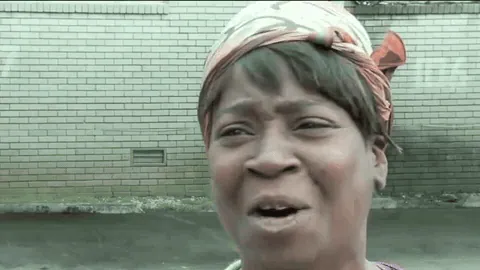 GIFAin't Nobody Got Time for That (Animated GIF)
- GIFPop Cat (Animated GIF)
- GIFTony Stark Head Turn (Animated GIF)
- GIFIt's Over Anakin, I Have the High Ground (Animated GIF)
- GIFAI Rumpelstiltskin Tip Toe Dance (Animated GIF)
- GIFJiren and Goku Dancing (Dragon Ball Dance) (Animated GIF)
 GIFKo Wen-je Shouting (Animated GIF)
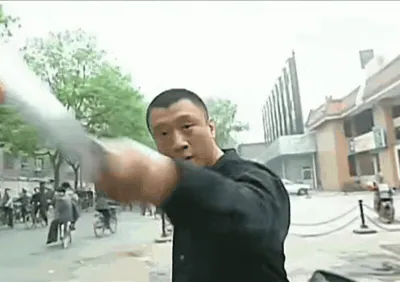 GIFIs This Melon Ripe? (Animated GIF)
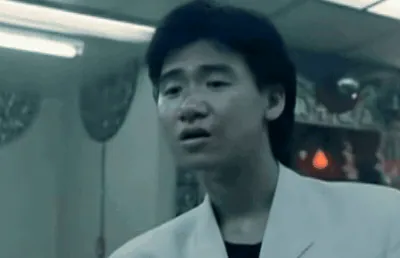 GIFJacky Cheung Grimace (Animated GIF)
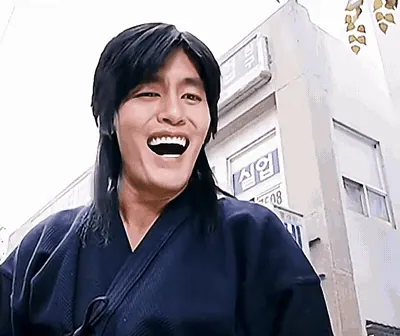 GIFKim Gwanjang Laughing (Animated GIF)
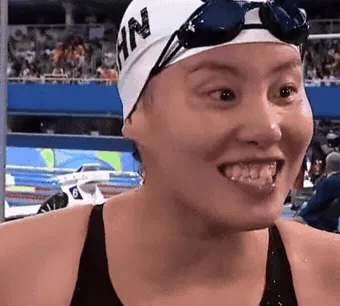 GIFPrehistoric Power (Animated GIF)
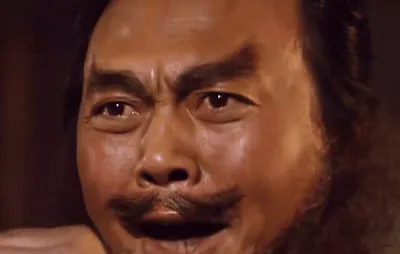 GIFMe Too, Zhang Fei (Animated GIF)
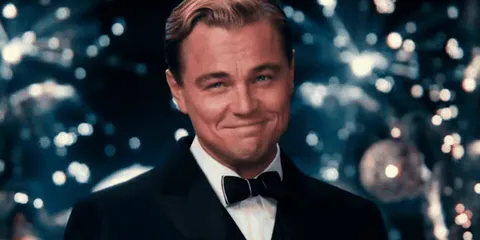 GIFLeonardo DiCaprio Cheers (Animated GIF)
- GIFButt Fumble (Animated GIF)
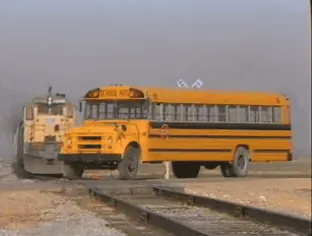 GIFTrain Hitting a School Bus (Animated GIF)
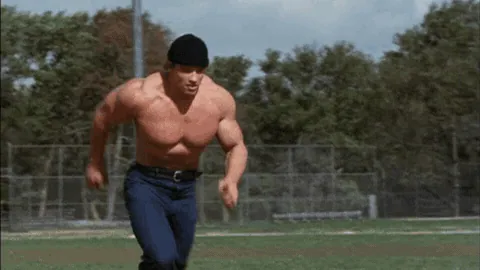 GIFRunning Arnold (Animated GIF)
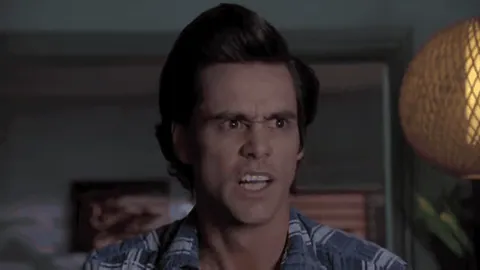 GIFAce Ventura Einhorn Is Finkle (Animated GIF)
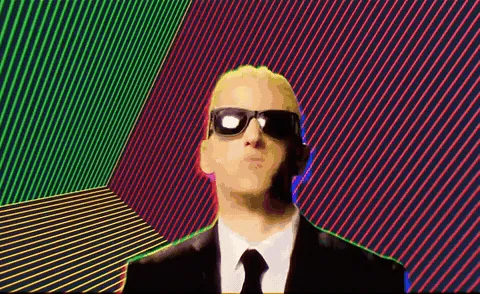 GIFSomething's Wrong, I Can Feel It (Animated GIF)
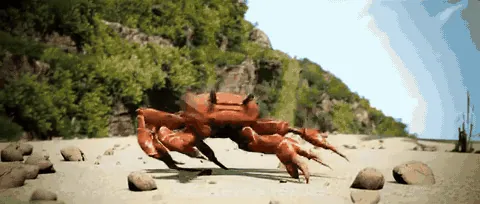 GIFCrab Rave (Animated GIF)
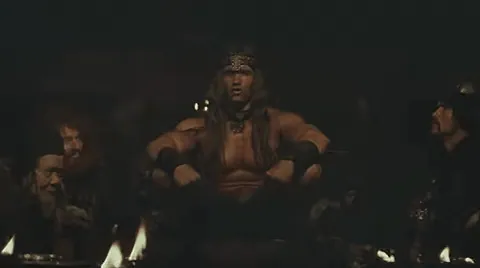 GIFConan Crush Your Enemies (Animated GIF)
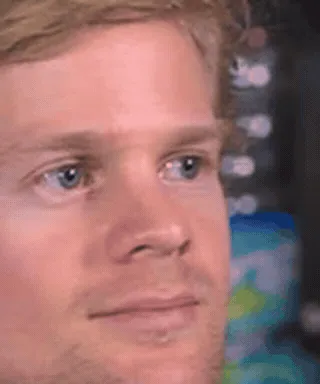 GIFBlinking White Guy (Animated GIF)
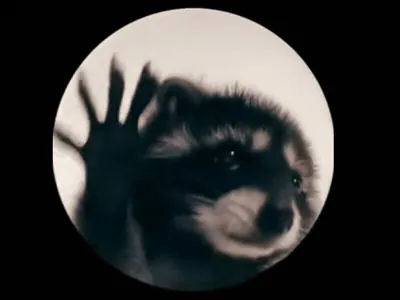 GIFPedro Raccoon (Animated GIF)
- GIFBongo Cat (Animated GIF)
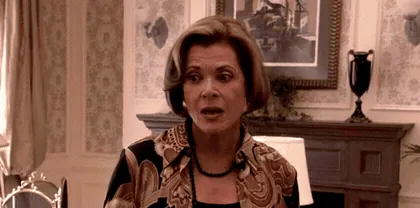 GIFIt's One Banana, Michael (Animated GIF)
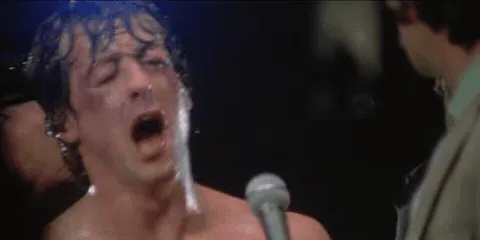 GIFRocky Yelling Adrian (Animated GIF)
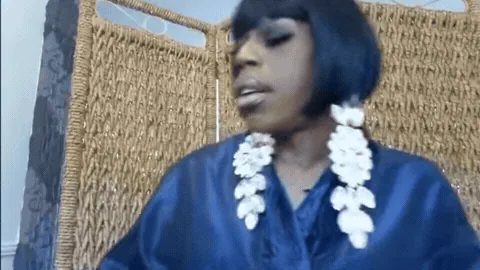 GIFJasmine Masters "And I Oop" (Animated GIF)
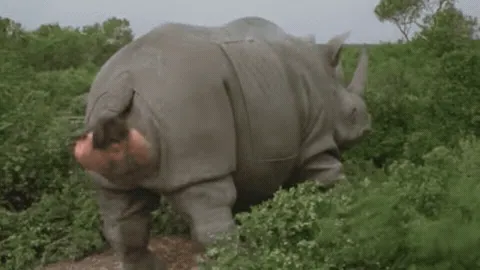 GIFAce Ventura Rhino Birth (Animated GIF)
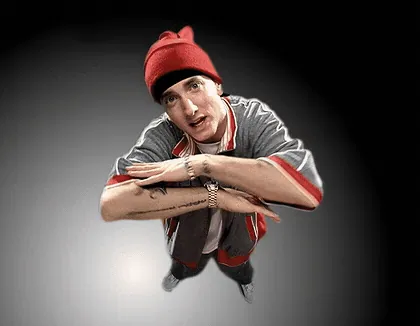 GIFNow This Looks Like a Job for Me (Animated GIF)
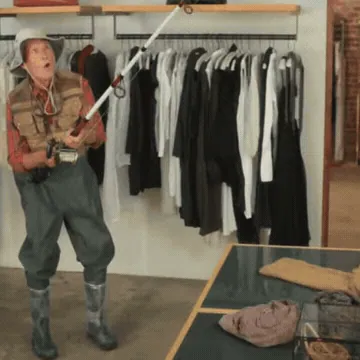 GIFState Farm Fisherman (Animated GIF)
 GIFMods Ban Him (Animated GIF)
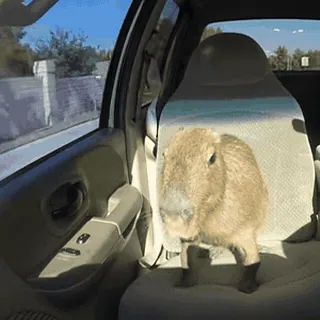 GIFCapybara OK I Pull Up (Animated GIF)
- GIFConfused Travolta (Animated GIF)
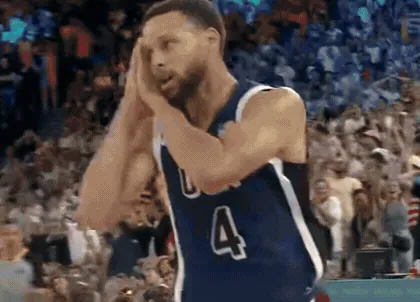 GIFSteph Curry: Night Night (Animated GIF)
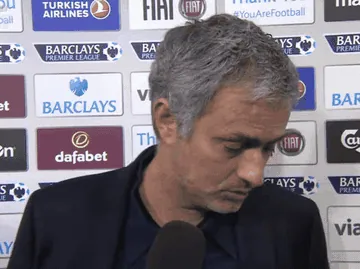 GIFMourinho: I Prefer Not to Speak (Animated GIF)
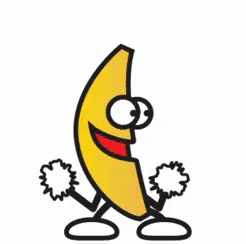 GIFPeanut Butter Jelly Time (Animated GIF)
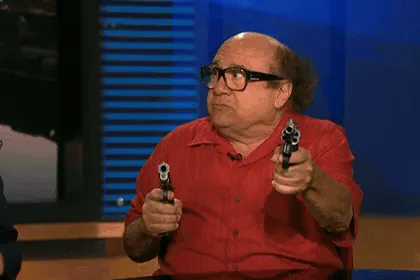 GIFSo Anyway I Started Blasting (Animated GIF)
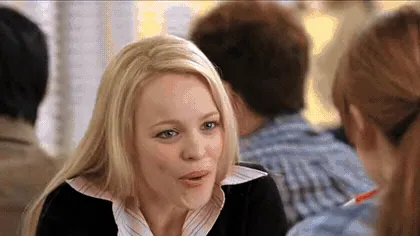 GIFSo You Agree (Animated GIF)
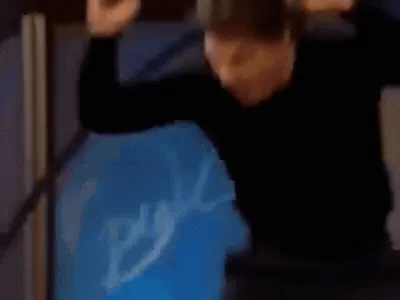 GIFTom Cruise Jumping on Oprah's Couch (Animated GIF)
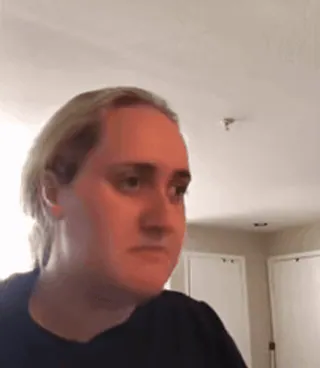 GIFKombucha Girl (Animated GIF)
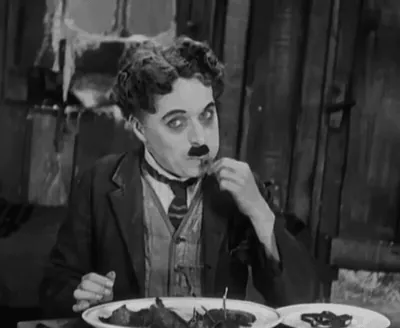 GIFEating a Boiled Shoe (Animated GIF)
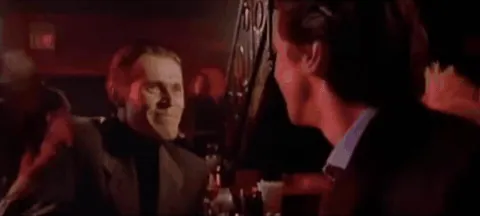 GIFPatrick Bateman Nodding (Animated GIF)
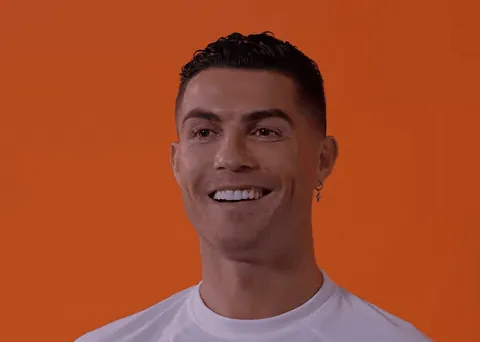 GIFRonaldo: Cheeky Boy (Animated GIF)
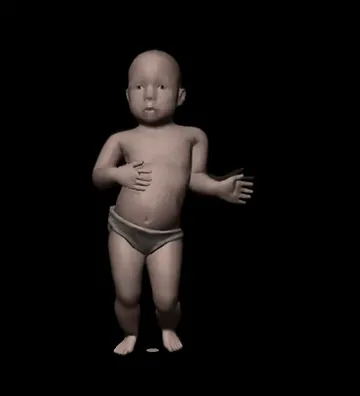 GIFDancing Baby (Animated GIF)
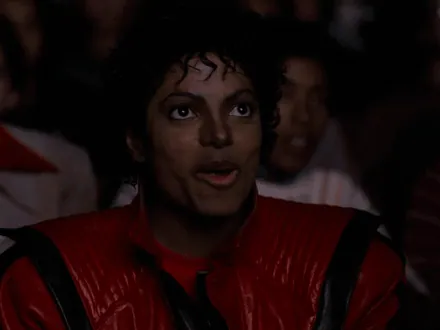 GIFMichael Jackson Eating Popcorn (Animated GIF)
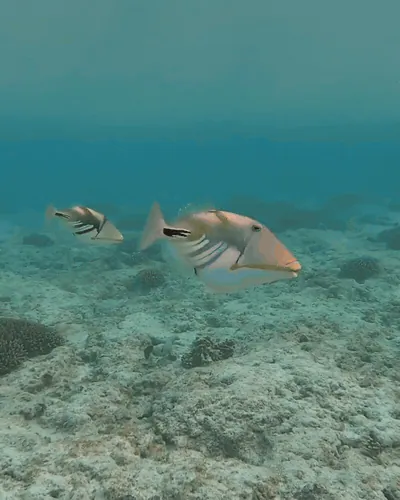 GIFStaring Fish (Animated GIF)
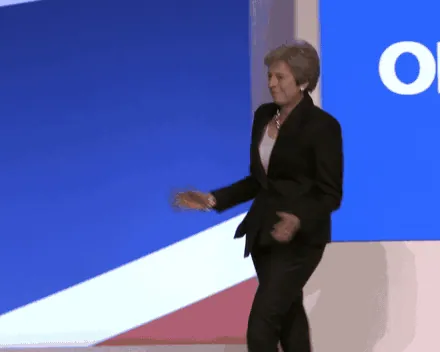 GIFTheresa May Walking (Animated GIF)
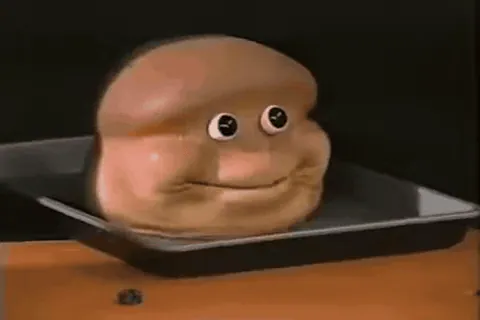 GIFThe Almighty Loaf (Animated GIF)
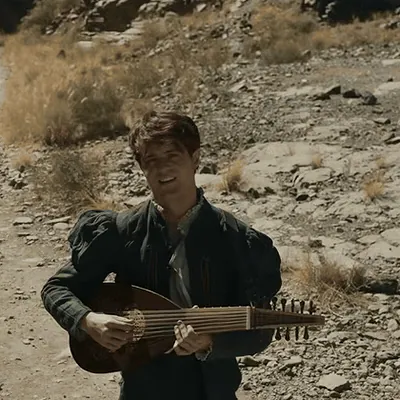 GIFToss a Coin to Your Witcher (Animated GIF)
 GIFHey! That's Pretty Good (Animated GIF)
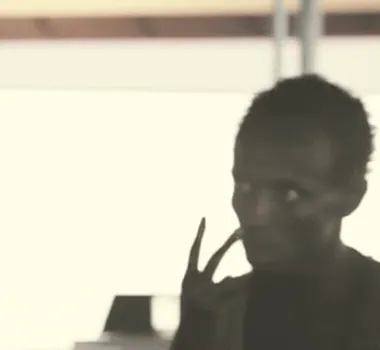 GIFLook at Me, I'm the Captain Now (Animated GIF)
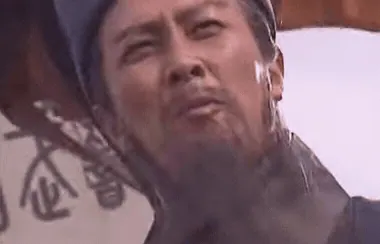 GIFNever Seen Anyone So Shameless (Zhuge Liang) (Animated GIF)
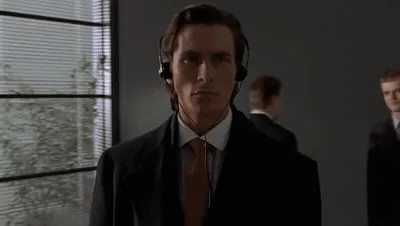 GIFPatrick Bateman Walking (Animated GIF)
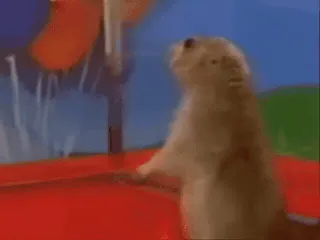 GIFDramatic Chipmunk (Animated GIF)
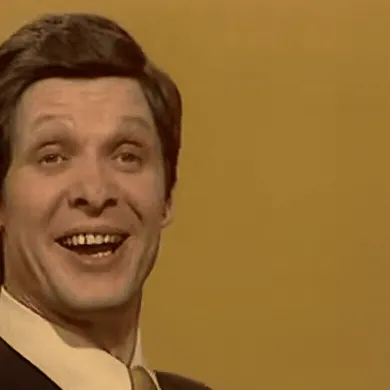 GIFTrololo Guy (Animated GIF)
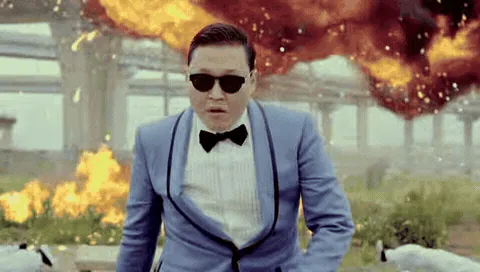 GIFGangnam Style PSY (Animated GIF)
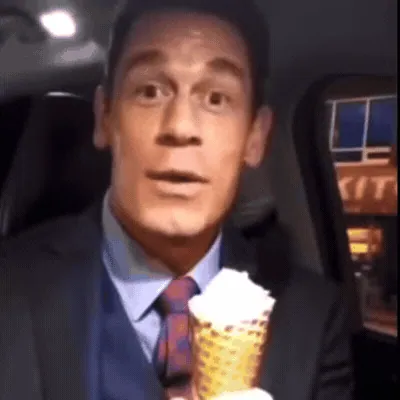 GIFBing Chilling (Animated GIF)
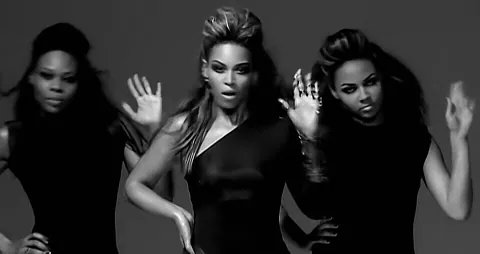 GIFBeyoncé Single Ladies Shocked (Animated GIF)
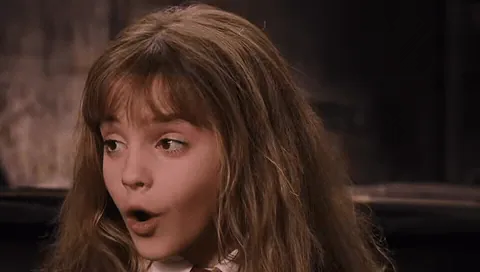 GIFIt's Leviosa, Not Leviosaa (Animated GIF)
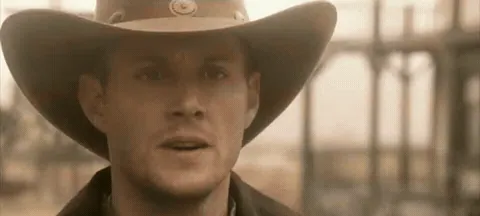 GIFYou've Yeed Your Last Haw (Animated GIF)
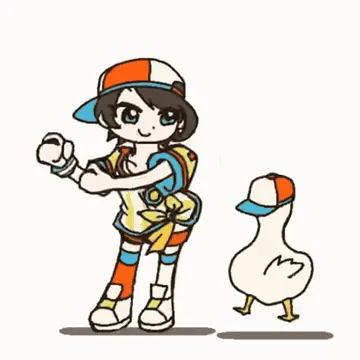 GIFShuba Duck (Dancing Duck Oozora Subaru) (Animated GIF)
 GIFThey're Taking the Hobbits to Isengard (Animated GIF)
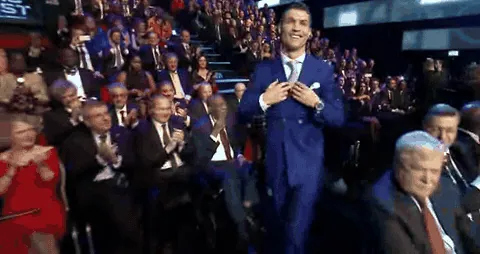 GIFRonaldo Winning Award (Animated GIF)
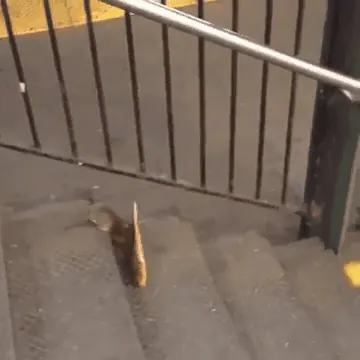 GIFPizza Rat (Animated GIF)
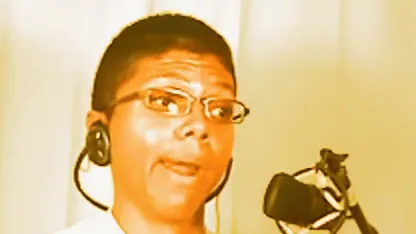 GIFChocolate Rain (Animated GIF)
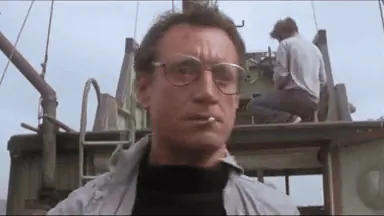 GIFGoing to Need a Bigger Boat (Animated GIF)
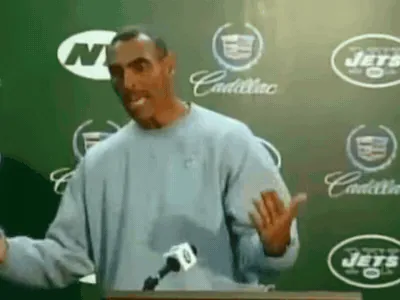 GIFHerm Edwards You Play to Win the Game (Animated GIF)
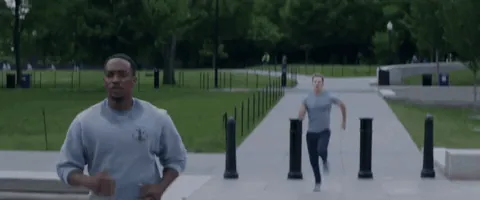 GIFCaptain America On Your Left (Animated GIF)
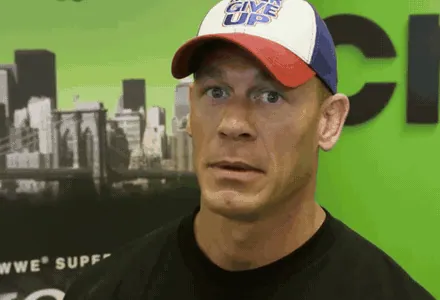 GIFJohn Cena Are You Sure About That (Animated GIF)
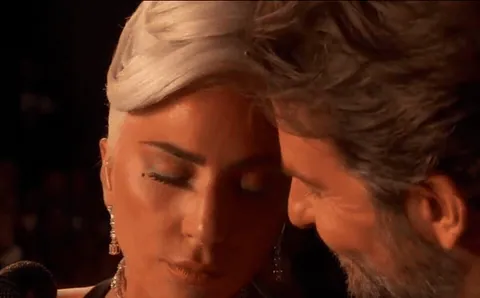 GIFLady Gaga and Bradley Cooper Oscars Stare (Animated GIF)
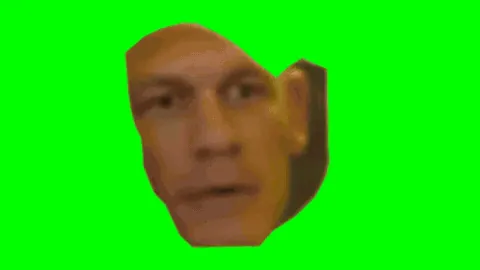 GIFAre You Sure About That? (Animated GIF)
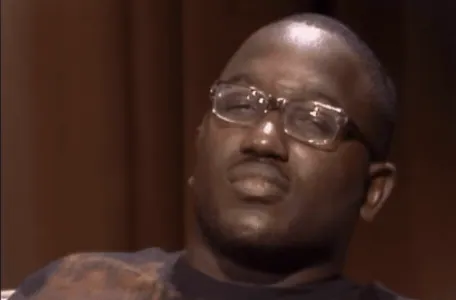 GIFHannibal Buress Wack (Animated GIF)
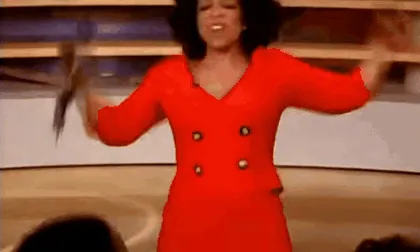 GIFOprah You Get a Car (Animated GIF)
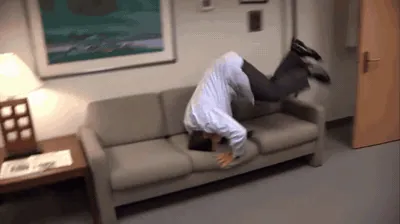 GIFParkour! (Animated GIF)
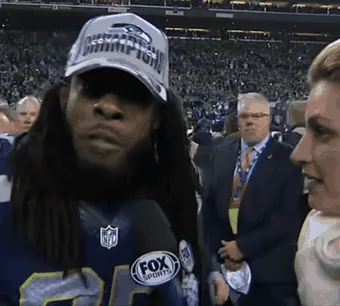 GIFRichard Sherman Interview (Animated GIF)
 GIFSurprised Kitty (Animated GIF)
 GIFCoffin Dance (Animated GIF)
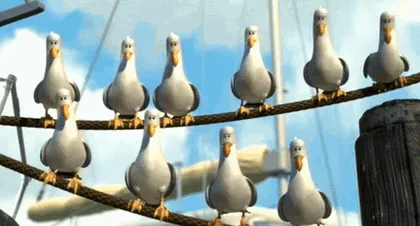 GIFNemo Seagulls (Mine!) (Animated GIF)
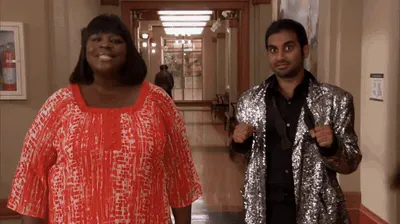 GIFTreat Yo Self (Animated GIF)
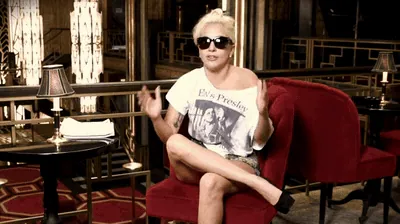 GIFTalented Brilliant Incredible (Animated GIF)
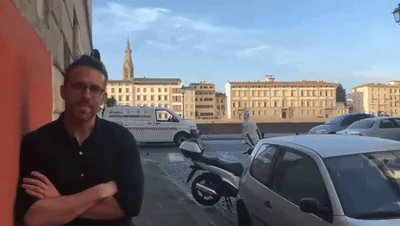 GIFRyan Reynolds Standing by Car Explosion (Animated GIF)
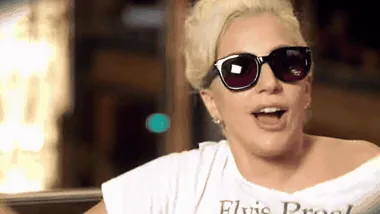 GIFLady Gaga Talented Brilliant (Animated GIF)
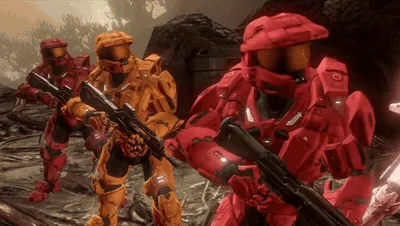 GIFWe've Been Tricked (Animated GIF)
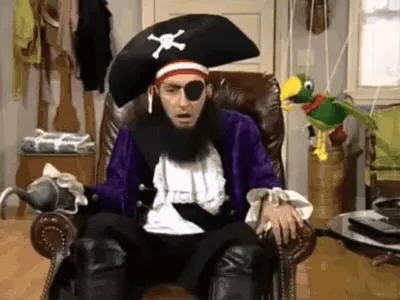 GIFPatchy the Pirate: That's It? (Animated GIF)
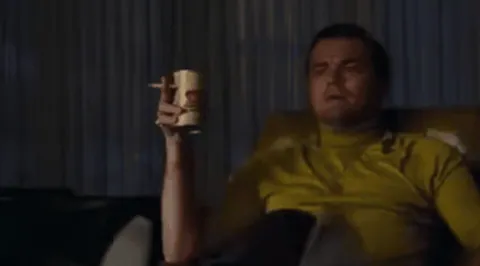 GIFRick Dalton Pointing (Leonardo DiCaprio Pointing) (Animated GIF)
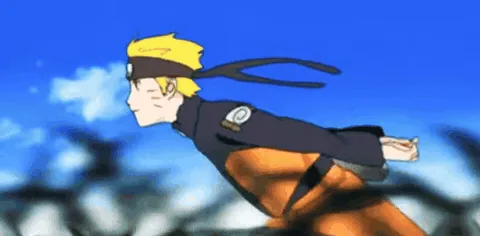 GIFNaruto Run (Animated GIF)
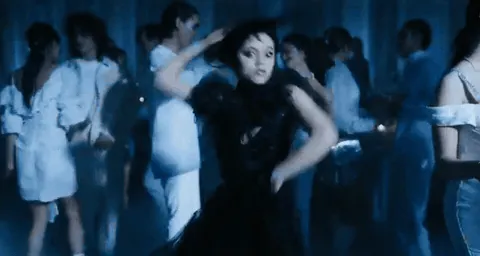 GIFWednesday Dance (Animated GIF)
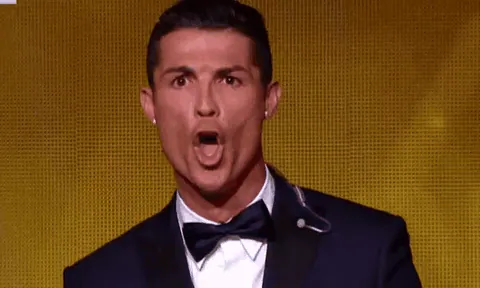 GIFRonaldo Siuuu (Animated GIF)
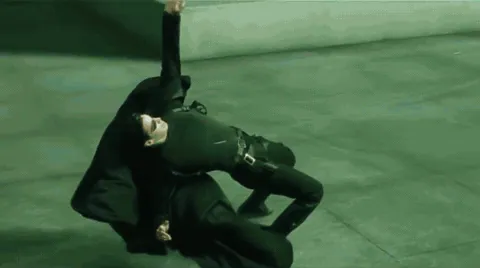 GIFNeo Dodging a Bullet (Animated GIF)
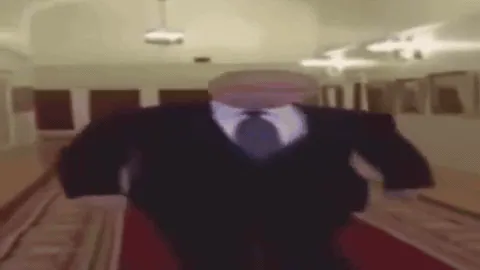 GIFWide Putin Walking (Animated GIF)
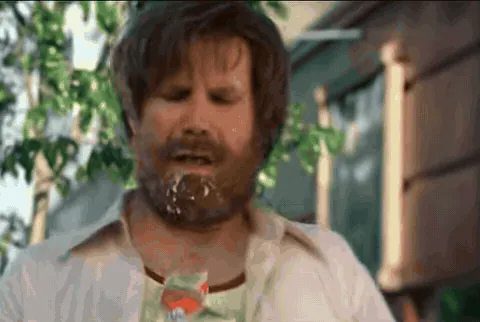 GIFMilk Was a Bad Choice (Animated GIF)
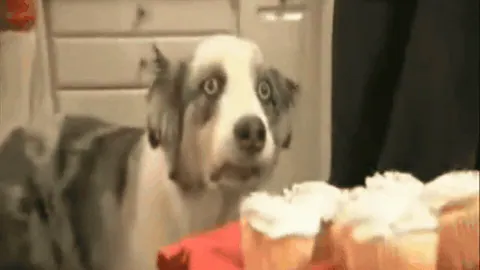 GIFCupcake Dog (Animated GIF)
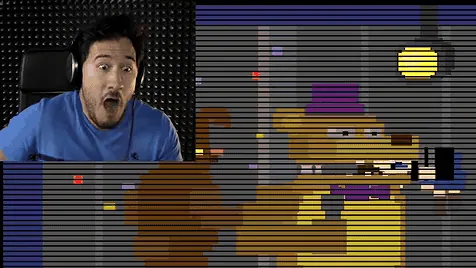 GIFMarkiplier Fredbear Scare (Animated GIF)
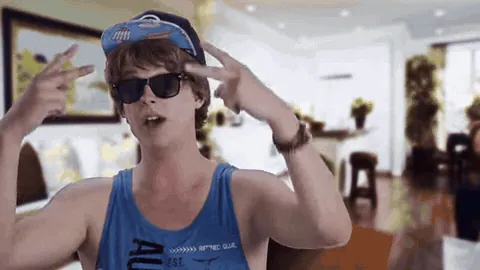 GIFBro, I'm Straight Up Not Having a Good Time (Animated GIF)
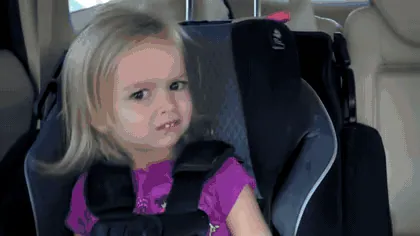 GIFSide Eyeing Chloe (Animated GIF)
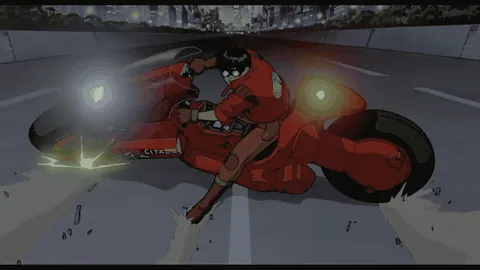 GIFAkira Bike Slide (Animated GIF)
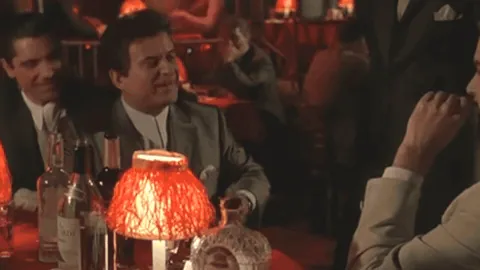 GIFFunny How? (Animated GIF)
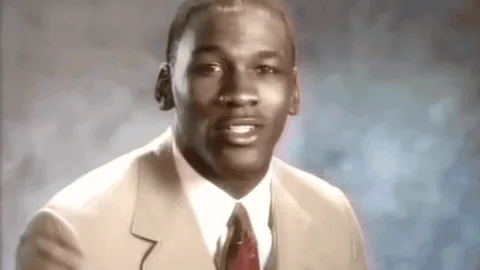 GIFStop It, Get Some Help (Animated GIF)
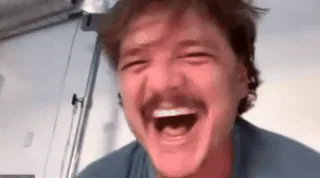 GIFPedro Pascal Laughing Then Crying (Animated GIF)
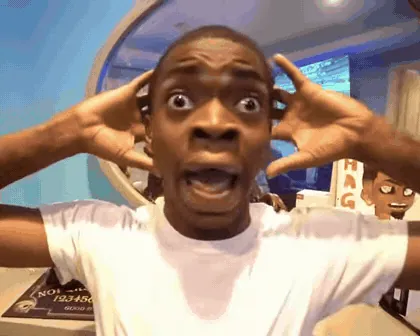 GIFShocked Black Guy (Animated GIF)
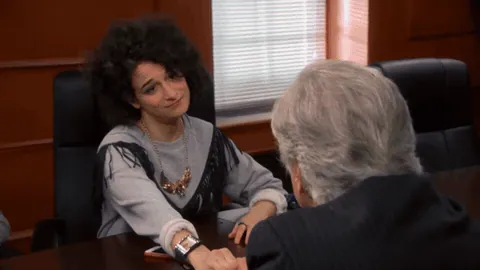 GIFMoney Please (Animated GIF)
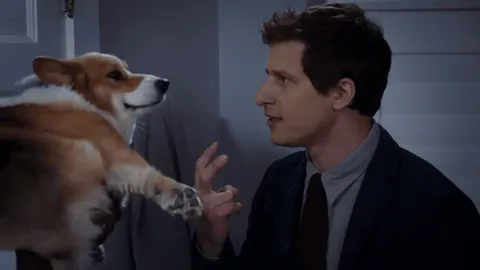 GIFDo Not Blow This for Us (Animated GIF)
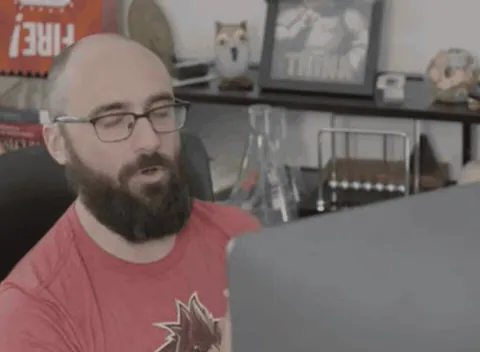 GIFI'm Gonna Do What's Called a Pro Gamer Move (Animated GIF)
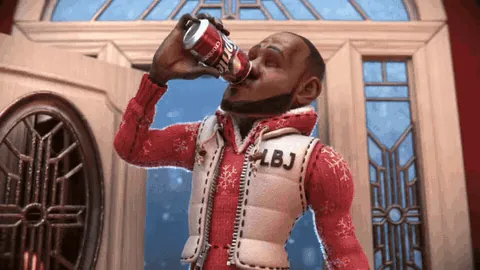 GIFWanna Sprite Cranberry (Animated GIF)
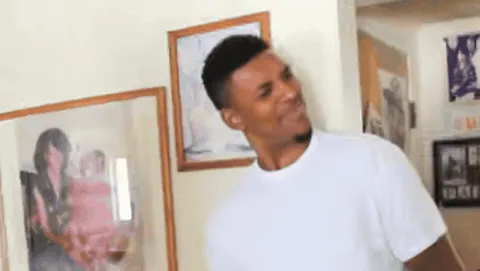 GIFConfused Nick Young (Animated GIF)
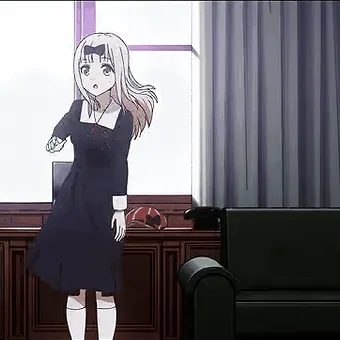 GIFChika Dance (Animated GIF)
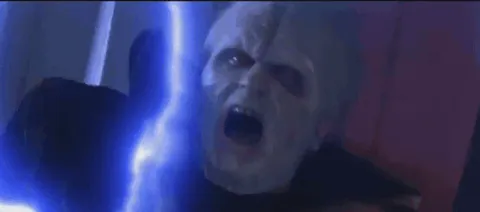 GIFUnlimited Power! (Animated GIF)
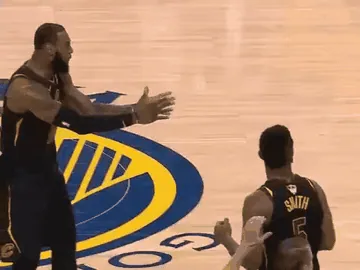 GIFLeBron Reacting to JR Smith (Animated GIF)
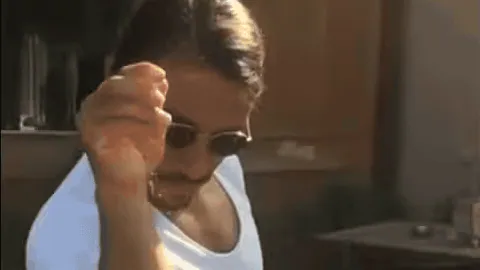 GIFSalt Bae (Animated GIF)
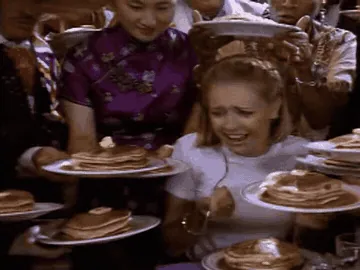 GIFSabrina Being Fed Pancakes (Animated GIF)
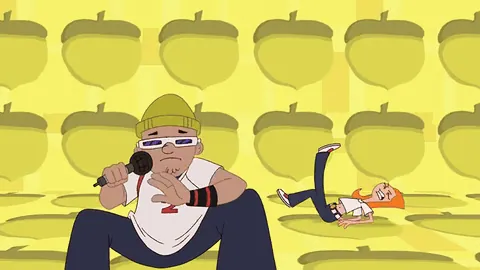 GIFS to the I to the M to the P (Animated GIF)
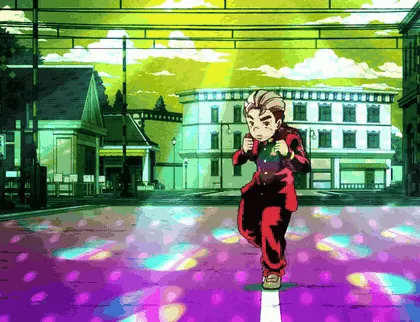 GIFKoichi Pose (Animated GIF)
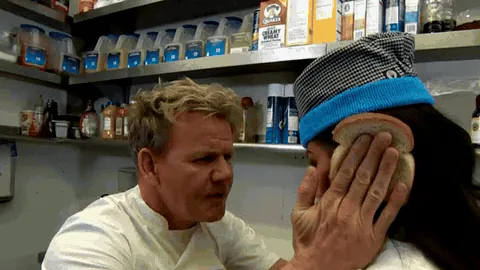 GIFGordon Ramsay Idiot Sandwich (Animated GIF)
 GIFToday Is Friday in California (Animated GIF)
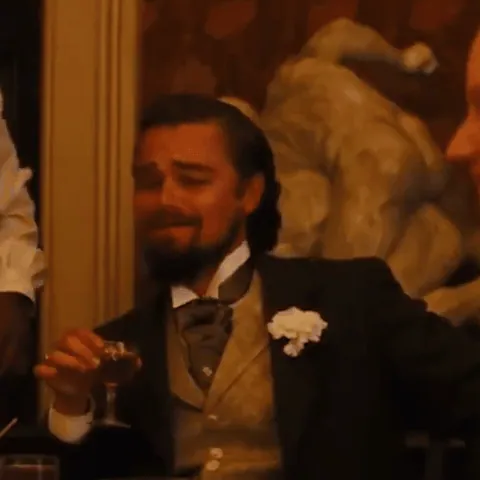 GIFLaughing Leo (Animated GIF)
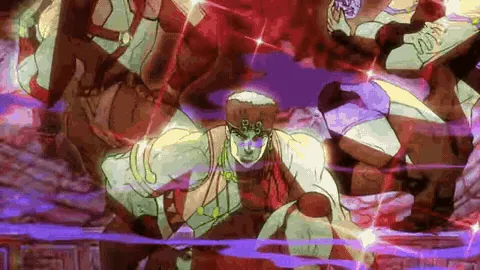 GIFAwaken, My Masters (Pillar Men) (Animated GIF)
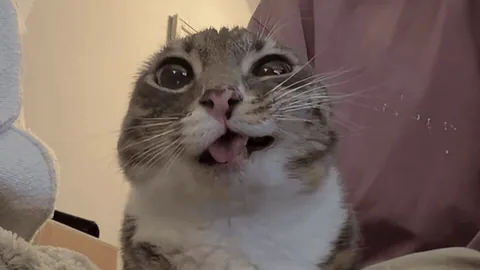 GIFRigby the Cat (Animated GIF)
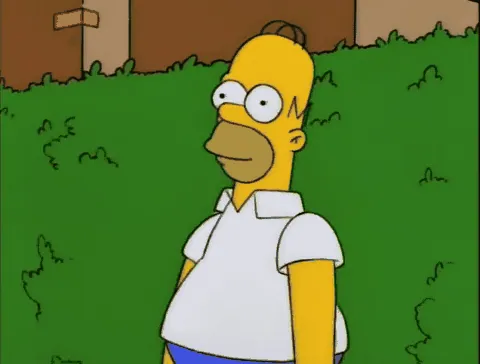 GIFHomer Simpson Backing Into Bushes (Animated GIF)
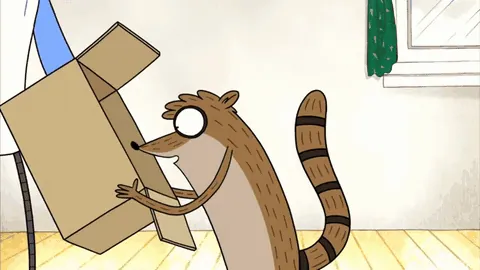 GIFMordecai Punches Rigby Through a Box (Animated GIF)
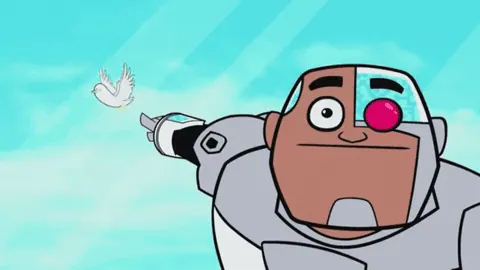 GIFGuys Look, a Birdie (Animated GIF)
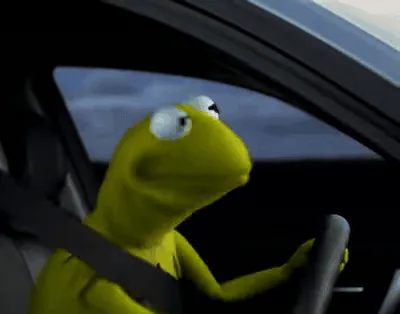 GIFKermit Driving (Animated GIF)
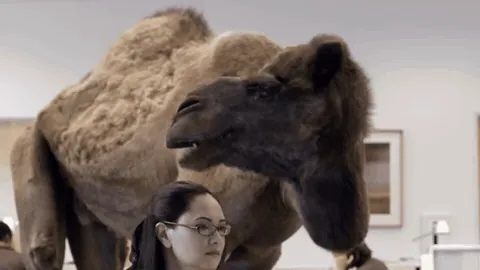 GIFGuess What Day It Is Camel (Animated GIF)
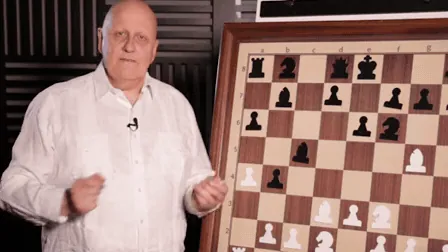 GIFOutstanding Move (Animated GIF)
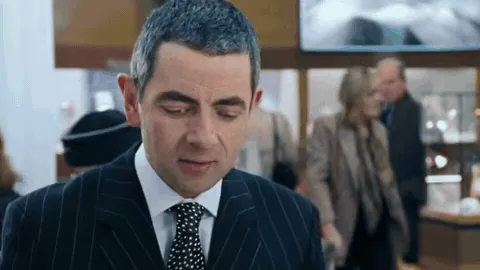 GIFRowan Atkinson Gift Wrapping (Animated GIF)
 GIFMonkey Getting a Haircut (Animated GIF)
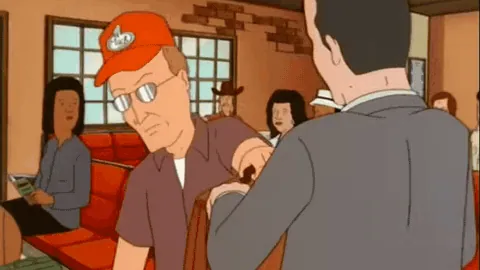 GIFPocket Sand! (Animated GIF)
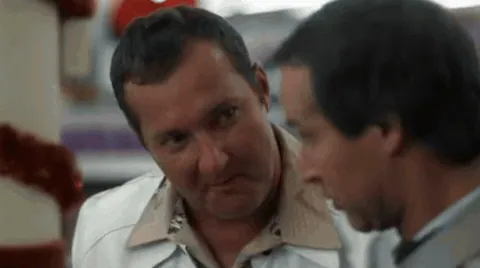 GIFReal Nice (Cousin Eddie) (Animated GIF)
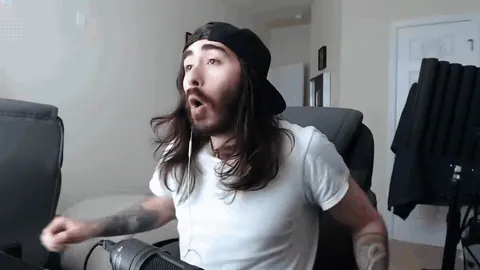 GIFWoo Yeah Baby! That's What I've Been Waiting For (Animated GIF)
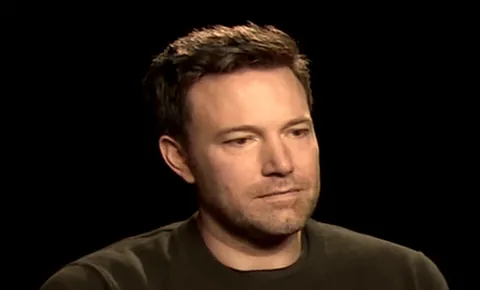 GIFSad Affleck (Animated GIF)
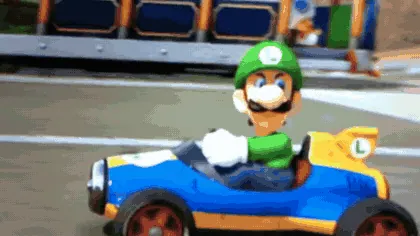 GIFLuigi's Death Stare (Animated GIF)
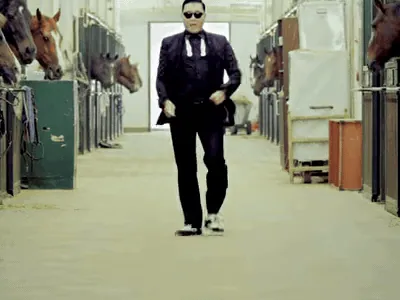 GIFPsy Horse Dance (Animated GIF)
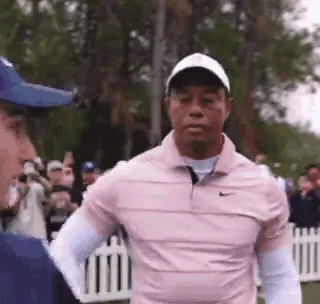 GIFTiger Woods Big Dog (Animated GIF)
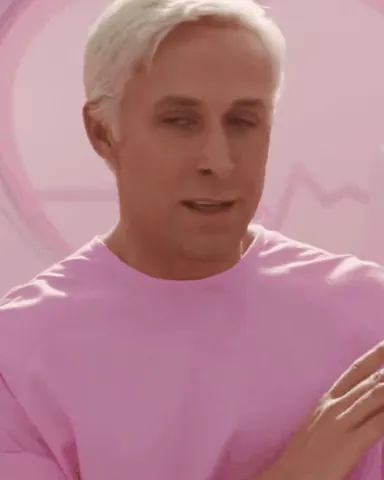 GIFKen My Job Is Just Beach (Animated GIF)
 GIFBravo Six, Going Dark (Animated GIF)
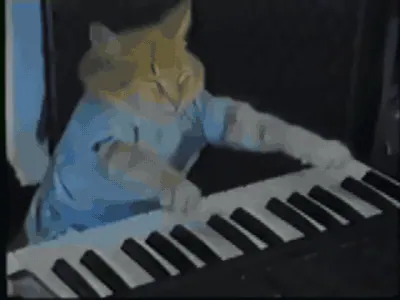 GIFKeyboard Cat (Animated GIF)
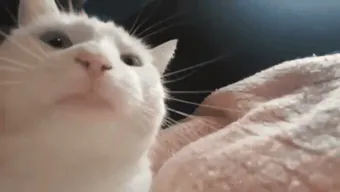 GIFVibing Cat (Animated GIF)
 GIFChipi Chipi Chapa Chapa Cat (Animated GIF)
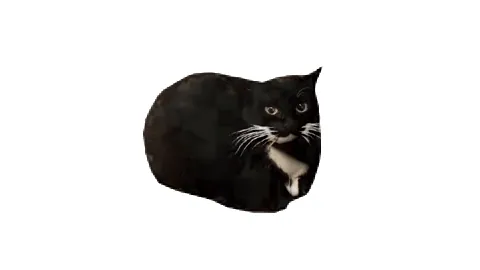 GIFMaxwell the Cat (Animated GIF)
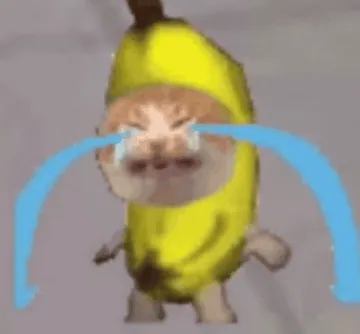 GIFSad Banana Cat (Animated GIF)
 GIFApple Cat (Animated GIF)
- GIFTypical Liberal Question (Hegseth) (Animated GIF)
- GIFHikaru Realizing Magnus Is Losing (2.13 Seconds) (Animated GIF)
No template matches that yet. Try other words, or use your own photo.
Tap text to edit · drag to move · pull the blue dot to resize
No template matches that. Try other words.
Drag to move · blue dot to resize · white dot to rotate (or use two fingers)
What's wrong with this template?
Or press and hold the image to save it to Photos.
Suggest your image as a new template? Your original image (without your text) will be sent to capypix and may become a public template for everyone.
Remove the background so only the person or object is left. The first time downloads about 97 MB; after that it works offline and nothing is uploaded.
How to make a GIF meme
- Choose a GIF template above, or tap Upload a GIF to use your own.
- Type your text in the boxes. Drag a box to move it; the caption stays in place on every frame.
- Optional: add an effect (black & white, vintage, deep fried, invert, blur). It is applied to every frame.
- Tap Save. You get an animated GIF that plays in chats, Discord, X and most other apps.
Add text to a GIF you already have
Got a GIF on your phone or computer? Upload it here and add a caption without installing an app. The text is drawn onto every frame and the GIF keeps its original length; very long or very large GIFs are scaled down so they stay smooth on a phone. Want to turn a video clip into a GIF first? Use Video to GIF and then add your text here.
Popular GIF memes to caption
- Nyan Cat – The looping 8-bit animation of a cat with a Pop-Tart body flying through space and leaving a rainbow trail.
- Moo Deng – The baby pygmy hippo Moo Deng standing in the grass at Khao Kheow Open Zoo in Thailand, facing the camera with her round wet face.
- Let Me In – Eric Andre runs up to a tall metal fence, grabs the bars and throws his head back screaming to be let in.
- Huh Cat – The chubby white cat with black ear patches sitting on a rug, staring at the camera and then opening its mouth as if asking 'huh?'.
- OIIA Spinning Cat – A tabby cat spinning in place on a plain white background, the edit behind the 'OIIA OIIA' sound trend.
- Laughing Cat – The moving Laughing Cat: a blurry orange cat throws its head back with ears flat and mouth wide open, shaking as if cackling uncontrollably.
- Emotional Damage – Comedian Steven He in a grey blazer, turning to the camera mid-rant with a wide-eyed stare as he delivers his famous line.
- Sure Jan – The animated version of Marcia in The Brady Bunch Movie giving a tight, doubtful smile and side-eye as she says 'Sure, Jan.' The loop catches the unconvinced look and the dismissive reply.
- You Shall Not Pass – The animated 'You Shall Not Pass': Gandalf stands on the bridge of Khazad-dum, raises his sword and staff and brings the staff down to block the Balrog.
- Rickroll – Rick Astley in a long trench coat singing and doing his signature dance in the 1987 'Never Gonna Give You Up' video.
- Ain't Nobody Got Time for That – Sweet Brown in motion during the local news interview about escaping an apartment fire, wrapping up with her famous dismissive line and a big laugh.
- Pop Cat – Oatmeal the cat alternates between a closed mouth and an exaggerated open mouth.
- Tony Stark Head Turn – The moving version of the Tony Stark head turn: in under a second he turns from glancing down and away back toward the teammate beside him and lands on a raised-eyebrow stare.
- It's Over Anakin, I Have the High Ground – The moving version of the Mustafar standoff: Obi-Wan steps forward on the ridge, throws his arms open with his lightsaber swinging into view and calls down to Anakin that it's over because he has the high ground.
- AI Rumpelstiltskin Tip Toe Dance – The moving version of the viral AI Rumpelstiltskin clip: he hops and tiptoes across the hay with his arms out, the teary young woman covers her mouth, and his pointed shoes keep stepping.
- Jiren and Goku Dancing (Dragon Ball Dance) – The animated loop of Goku and Jiren from the September 2026 fan animation by @dblgiuzman: the two fighters lean in, hold each other and sway while their auras flare.
- Ko Wen-je Shouting – Taiwanese politician Ko Wen-je in a white jacket shouting into a microphone and jabbing his finger forward on stage at a rally.
- Is This Melon Ripe? – Actor Sun Honglei as gangster Liu Huaqiang in the 2003 Chinese TV drama Conquest, raising a melon knife toward the camera.
- Jacky Cheung Grimace – Singer-actor Jacky Cheung pulls a twisted, sneering face in a white suit in the 1988 Hong Kong film As Tears Go By.
- Kim Gwanjang Laughing – Korean comedian Choi Sung-kook throws his head back in a huge, smug laugh after winning an arcade game against a kid.
- Prehistoric Power – Chinese swimmer Fu Yuanhui reacts with wide eyes and a huge grin in a poolside interview at the 2016 Rio Olympics.
- Me Too, Zhang Fei – Actor Kang Kai as Zhang Fei grins with teary, eager eyes at the Peach Garden oath in the 2010 TV drama Three Kingdoms.
- Leonardo DiCaprio Cheers – The moving version of the Gatsby toast: Leonardo DiCaprio turns to the camera with a knowing smile and lifts his champagne coupe while fireworks light up the night behind him.
- Butt Fumble – The Butt Fumble in motion: Jets quarterback Mark Sanchez scrambles, runs straight into the backside of his own lineman, bounces to the turf and coughs up the ball.
- Train Hitting a School Bus – The full moment in one clip: a yellow school bus sits on the tracks, a Union Pacific locomotive creeps up behind it, and then the train smashes straight through.
- Running Arnold – The original running Arnold in motion: a shirtless young Arnold Schwarzenegger in a beanie and jeans charges across the athletic field in Hercules in New York, the camera whipping along with him.
- Ace Ventura Einhorn Is Finkle – Jim Carrey's Ace Ventura twists his face into a horrified, disgusted grimace as the Einhorn-is-Finkle realization sinks in, ending in a full-mouth scream.
- Something's Wrong, I Can Feel It – The moving clip behind 'Something's wrong, I can feel it': Eminem in sunglasses and a black suit talks to the camera while the striped neon background flickers, Max Headroom style, from the start of the Rap God video.
- Crab Rave – The animated Crab Rave: a single CGI red crab bobs and waves its claws on a sunny beach, straight out of the Noisestorm music video.
- Conan Crush Your Enemies – Conan sits on the throne in the firelit hall while the camera slowly closes in as he answers what is best in life.
- Blinking White Guy – The animated Blinking White Guy: Drew Scanlon looks at the camera, closes his eyes in a long, slow blink and turns his head away in quiet disbelief.
- Pedro Raccoon – The animated Pedro raccoon: inside a round frame on black, the raccoon raises a paw and then spins around and around.
- Bongo Cat – The animated Bongo Cat: the simple white cartoon cat taps its paws up and down on a pair of bongos in a steady beat.
- It's One Banana, Michael – The animated 'It's one banana, Michael' moment: Lucille Bluth, teacup in hand, delivers her clueless line about what one banana could possibly cost.
- Rocky Yelling Adrian – The animated Rocky yelling scene: battered and dripping with sweat after the fight, Rocky Balboa shouts over the reporters and their microphones, calling out for Adrian.
- Jasmine Masters "And I Oop" – The animated 'And I oop' moment: Jasmine Masters leans in toward her webcam mid-sentence and stops short with pursed lips.
- Ace Ventura Rhino Birth – The animated rhino scene: Ace Ventura wriggles headfirst out of the back of a mechanical rhino in the middle of the savanna, gasping for air.
- Now This Looks Like a Job for Me – The animated 'Now this looks like a job for me' moment: Eminem in a red beanie crouches toward the camera, crosses his arms and spreads them wide.
- State Farm Fisherman – The animated State Farm Fisherman: a man in a bucket hat, vest and waders stands in the middle of a clothing boutique, yanking his fishing rod upward with a startled face as if something huge just bit.
- Mods Ban Him – The animated Mods Ban Him clip: a streamer in a light blue t-shirt raises his hand and jerks it sharply to the side, ordering his moderators to get rid of someone in chat.
- Capybara OK I Pull Up – The animated version of the 'ok I pull up' capybara.
- Confused Travolta – The original moving clip behind Confused Travolta.
- Steph Curry: Night Night – Steph Curry's 'night night' celebration in motion.
- Mourinho: I Prefer Not to Speak – José Mourinho mid-interview in front of the sponsor board, looking down and choosing his words as he says he prefers not to speak because he would be in big trouble.
- Peanut Butter Jelly Time – The classic dancing banana from the 2002 Peanut Butter Jelly Time animation, looping its pom-pom dance.
- So Anyway I Started Blasting – Frank Reynolds (Danny DeVito) sits on a local TV set holding a pistol in each hand, raising them as he tells his story.
- So You Agree – Regina George (Rachel McAdams) leans in at the cafeteria table and breaks into a sweet, knowing smile as she turns Cady's words against her.
- Tom Cruise Jumping on Oprah's Couch – Tom Cruise stands on Oprah's yellow couch, pumping his fists and bouncing up and down while Oprah watches from her seat.
- Kombucha Girl – The animated Kombucha Girl: Brittany Tomlinson takes a sip of kombucha, recoils in a full-face grimace, then pauses and turns with a curious, half-convinced look.
- Eating a Boiled Shoe – Animated version of Chaplin's famous shoe dinner from The Gold Rush: the starving Tramp daintily twirls and slurps a boiled shoelace as if it were spaghetti, with the cooked shoe on his plate.
- Patrick Bateman Nodding – Animated version of the Bateman nodding bar scene: Willem Dafoe's detective chats animatedly while Christian Bale's Patrick Bateman listens in profile and nods along.
- Ronaldo: Cheeky Boy – Animated Cheeky Boy: Cristiano Ronaldo grins at the interviewer against an orange backdrop, glances aside and breaks into a laugh after catching a sneaky question.
- Dancing Baby – The animated Dancing Baby: the famous 3D diaper-clad baby does its stiff cha-cha against a black background, waving, turning and swaying.
- Michael Jackson Eating Popcorn – The animated popcorn moment from Thriller: Michael Jackson pops popcorn into his mouth while staring wide-eyed at the movie, then breaks into a delighted grin.
- Staring Fish – Animated Staring Fish: a lagoon triggerfish turns, swims straight at the camera and fills the frame with its big lips and unblinking stare.
- Theresa May Walking – Animated Theresa May dance: the then Prime Minister jigs across the conference stage to ABBA's Dancing Queen, arms swinging stiffly as she heads for the podium.
- The Almighty Loaf – Animated Almighty Loaf: the googly-eyed bread puppet sits on its baking tray, rolling its eyes and twitching a smug little smile.
- Toss a Coin to Your Witcher – Animated Jaskier: the bard (Joey Batey) strums his lute and sings 'Toss a Coin to Your Witcher' while walking a dusty mountain path.
- Hey! That's Pretty Good – Animated Hey! That's Pretty Good: iDubbbz leans into the camera, eyes going wide behind his glasses as he delivers the line with sudden approval.
- Look at Me, I'm the Captain Now – The animated version of the famous Captain Phillips moment: the pirate Muse steps forward on the ship bridge and points two fingers at his own eyes.
- Never Seen Anyone So Shameless (Zhuge Liang) – Zhuge Liang looks up from his carriage and delivers his cutting line about never having seen anyone so shameless, shaking his head in disgust.
- Patrick Bateman Walking – Patrick Bateman walks straight toward the camera through his office with headphones on and an empty, focused stare, coworkers passing behind him.
- Dramatic Chipmunk – The original five-second clip: a prairie dog in a toy set whips its head around and the camera zooms onto its face for maximum drama.
- Trololo Guy – Eduard Khil beams and swings his head from side to side while singing his wordless "trololo" song on Soviet television.
- Gangnam Style PSY – PSY in his light blue tuxedo strides toward the camera while a fireball erupts behind him, then points straight at the viewer.
- Bing Chilling – John Cena sits in a car holding an ice cream cone up to the camera and talks with big, eager eyes.
- Beyoncé Single Ladies Shocked – In the black-and-white Single Ladies video, Beyonce and her two dancers snap their hands up as she widens her eyes at the camera.
- It's Leviosa, Not Leviosaa – Young Hermione Granger slowly and smugly pronounces the spell in Charms class, stretching her mouth around each syllable.
- You've Yeed Your Last Haw – Dean Winchester in a cowboy hat stares down an off-screen foe and delivers the line "You've yee'd your last haw." The animated version from Supernatural is used for mock-serious threats and shutting down someone's fun..
- Shuba Duck (Dancing Duck Oozora Subaru) – Chibi Subaru and her duck bounce, punch the air and sway side by side on a plain white background.
- They're Taking the Hobbits to Isengard – The animated version of Legolas on the rocky hillside in The Two Towers, turning and shouting to his companions that the hobbits are being taken to Isengard.
- Ronaldo Winning Award – The animated version of Cristiano Ronaldo rising from his seat in a blue suit and buttoning his jacket as the audience applauds at The Best FIFA Football Awards 2017.
- Pizza Rat – The animated version of the famous 2015 New York subway clip of a rat hauling a whole slice of pizza down the station stairs.
- Chocolate Rain – The animated version of Tay Zonday's 2007 'Chocolate Rain' video, where he leans away from the microphone between lines.
- Going to Need a Bigger Boat – The animated version of Chief Brody in Jaws backing slowly into the cabin with a cigarette in his mouth, stunned after the shark surfaces behind him.
- Herm Edwards You Play to Win the Game – The animated version of New York Jets coach Herm Edwards at his 2002 press conference, throwing his hands out mid-rant as he insists you play to win the game.
- Captain America On Your Left – The animated version of the morning jog in Captain America: The Winter Soldier, where Steve Rogers sprints past Sam Wilson on the National Mall path.
- John Cena Are You Sure About That – The animated version of John Cena in a cap and black shirt in front of the green Cricket Wireless backdrop, holding a stern, doubtful stare at the camera.
- Lady Gaga and Bradley Cooper Oscars Stare – The animated version of Lady Gaga and Bradley Cooper at the end of their 2019 Oscars performance of 'Shallow', sitting side by side at the piano and leaning in close while locking eyes.
- Are You Sure About That? – The animated version of the famous green-screen cutout of John Cena's face slowly turning toward the camera as he asks 'Are you sure about that?'.
- Hannibal Buress Wack – The animated version of Hannibal Buress on The Eric Andre Show, leaning back in his chair with a bored, unimpressed look and muttering his verdict after Eric's Mister Rogers bit.
- Oprah You Get a Car – The animated version of Oprah's famous 2004 car giveaway: she throws her arms wide and shouts with joy on stage, microphone in hand.
- Parkour! – The moving version of The Office's parkour scene: Michael Scott flips clumsily onto the lobby couch, rolls off, and finishes with his arms thrown out, tie around his head.
- Richard Sherman Interview – Richard Sherman in his NFC Champions cap firing off his post-game rant into the microphone, now animated.
- Surprised Kitty – The original Surprised Kitty clip in motion: a tiny gray kitten on its back gets tickled and throws its little pink paws straight up.
- Coffin Dance – The dancing Ghanaian pallbearers march toward the camera in suits and sunglasses with the coffin on their shoulders, the clip that became the 2020 Coffin Dance meme.
- Nemo Seagulls (Mine!) – The animated seagulls from Finding Nemo standing on the ropes, staring blankly until one big gull leans into frame.
- Treat Yo Self – Tom Haverford and Donna Meagle in the City Hall hallway, Tom in his sparkly jacket throwing his hands up as they announce the best day of the year.
- Talented Brilliant Incredible – Lady Gaga in sunglasses and an Elvis Presley shirt, gesturing from a red chair as she rattles off praise in her Hollywood Reporter interview.
- Ryan Reynolds Standing by Car Explosion – Ryan Reynolds stands with his arms crossed on a street in Florence while a car flips through the air and crashes behind him, from his 6 Underground promo video.
- Lady Gaga Talented Brilliant – A close-up of Lady Gaga in sunglasses talking with her hands during her Hollywood Reporter interview, the moment behind 'talented, brilliant, incredible, amazing, show-stopping'.
- We've Been Tricked – The red and orange Spartans from Red vs.
- Patchy the Pirate: That's It? – Patchy the Pirate sits stunned in his armchair next to Potty the parrot after the TV cuts to color bars, mouthing 'That's it?'.
- Rick Dalton Pointing (Leonardo DiCaprio Pointing) – The moving version of the Leonardo DiCaprio pointing meme.
- Naruto Run – The animated Naruto run: Naruto Uzumaki dashes past the grass with his body tilted forward and both arms stretched straight behind him.
- Wednesday Dance – Wednesday Addams in motion: Jenna Ortega flings one arm overhead and jerks the other across her body in the deadpan dance from the school ball, surrounded by classmates in white.
- Ronaldo Siuuu – The animated Siuuu: Cristiano Ronaldo, in a tuxedo on the Ballon d'Or stage, lets out his famous open-mouthed 'Siii' yell, then calmly looks down.
- Neo Dodging a Bullet – The bullet-time dodge in motion: Neo leans back almost to the floor while the camera orbits him and bullets ripple through the air.
- Wide Putin Walking – The animated Wide Putin: a stretched-out figure in a dark suit marches toward the camera down a long red carpet, arms swinging.
- Milk Was a Bad Choice – Ron Burgundy in motion: sweaty and bearded with milk soaked into his beard, he winces, lifts the carton and chugs even more.
- Cupcake Dog – Stains the Australian shepherd in motion, frozen in front of a tray of frosted cupcakes with bulging eyes and a trembling lip as he resists eating them.
- Markiplier Fredbear Scare – Markiplier's famous frozen reaction in motion: mouth hanging open in shock in the facecam while the pixelated Fredbear minigame flashes beside him.
- Bro, I'm Straight Up Not Having a Good Time – Johnny from The Real Bros of Simi Valley in motion, in sunglasses and a backward cap, jabbing both fingers at his head while explaining he is straight up not having a good time.
- Side Eyeing Chloe – The animated version of Side Eyeing Chloe: little Chloe sits in her car seat and slowly turns a doubtful, sideways glance toward the camera while her sister celebrates off screen.
- Akira Bike Slide – The animated version of the Akira Bike Slide: Kaneda's red motorcycle skids sideways down the night highway, sparks spitting and tire smoke trailing as it slides away.
- Funny How? – The animated version of the famous Goodfellas table scene: Joe Pesci's Tommy holds court at a crowded nightclub table, gesturing with his hand while the guys around him grin.
- Stop It, Get Some Help – The animated version of Stop It, Get Some Help: a young Michael Jordan in a beige suit talks straight to the camera in the closing seconds of his 1987 anti-drug PSA.
- Pedro Pascal Laughing Then Crying – The animated version of Pedro Pascal Laughing Then Crying: on a video call, Pedro Pascal bursts out laughing, throws his head back and then melts into a crumpled sob without missing a beat.
- Shocked Black Guy – The animated version of Shocked Black Guy: a young man in a white t-shirt clamps both hands on his head, eyes bulging and mouth wide open, as the handheld camera shakes around him.
- Money Please – The animated version of Money Please: Jenny Slate's Mona-Lisa Saperstein sits at a conference table, gives a sugary grin and stretches her open palm across the table toward her dad.
- Do Not Blow This for Us – The animated version of Do Not Blow This for Us: Jake Peralta leans in and wags a stern finger at Cheddar, the happy corgi held up next to him, who just keeps grinning.
- I'm Gonna Do What's Called a Pro Gamer Move – The animated version of I'm Gonna Do What's Called a Pro Gamer Move: Michael from Vsauce sits at his computer, glances at the camera and announces his big move with a knowing look.
- Wanna Sprite Cranberry – The animated version of Wanna Sprite Cranberry: the animated LeBron James stands in a doorway in his red LBJ outfit, takes a swig and then raises the can toward you with a big grin.
- Confused Nick Young – The animated Confused Nick Young: Nick turns toward the camera with a puzzled grin, the shot punches in and question marks pop up around his head.
- Chika Dance – The animated Chika Dance: Chika Fujiwara swings her arms, points and kicks out a leg while dancing in front of the student council room window.
- Unlimited Power! – The animated Unlimited Power: Palpatine screams as blue Force lightning crackles out of his hands in a close-up from Revenge of the Sith.
- LeBron Reacting to JR Smith – The animated LeBron reaction: LeBron James holds his arms out wide in disbelief toward JR Smith, who dribbled out the clock at the end of regulation in Game 1 of the 2018 NBA Finals.
- Salt Bae – The animated Salt Bae: chef Nusret Gökçe raises his hand and lets salt roll down his forearm in one smooth, dramatic flick.
- Sabrina Being Fed Pancakes – The animated Sabrina pancakes scene: Sabrina keeps forking pancakes into her mouth with a pained face while a crowd keeps shoving more plates at her.
- S to the I to the M to the P – The animated S to the I to the M to the P: a rapper spells out S-I-M-P while the letters pop onto the screen and Candace flails on the floor behind him.
- Koichi Pose – The animated Koichi Pose: Koichi Hirose hops into his crouched dance pose on a glowing disco street while the lights swirl around him.
- Gordon Ramsay Idiot Sandwich – The animated Idiot Sandwich: Gordon Ramsay holds two slices of bread against Julie Chen's head and yells 'What are you?', then the shot cuts in close as she answers.
- Today Is Friday in California – The animated Today Is Friday in California: a motorcycle cop in a white helmet and dark sunglasses talks straight to the camera while two nurses stand behind him.
- Laughing Leo – The animated Laughing Leo: Leonardo DiCaprio as Calvin Candie throws his head back and laughs at the dinner table, drink in hand.
- Awaken, My Masters (Pillar Men) – The animated Pillar Men awakening: the three Pillar Men hold their dramatic poses while the glowing 'ド' sound effects pulse around them.
- Rigby the Cat – The animated Rigby the cat: the wide-eyed tabby stares up with its mouth open and tongue poking out in a goofy blep.
- Homer Simpson Backing Into Bushes – The animated Homer backing into the bushes: Homer Simpson stands awkwardly, then slowly backs into the hedge until only leaves are left.
- Mordecai Punches Rigby Through a Box – The animated version of Mordecai punching Rigby through a box: Rigby peeks over a cardboard box, then Mordecai's fist bursts right through it and sends Rigby flying.
- Guys Look, a Birdie – The animated 'Guys Look, a Birdie': Cyborg holds out his arm cannon toward a little white bird flapping across the sky, blank-faced.
- Kermit Driving – The animated Kermit Driving: Kermit the Frog sits buckled in behind the steering wheel, glancing around and grinning before settling into a serious stare at the road.
- Guess What Day It Is Camel – The animated Hump Day camel: the camel leans in behind an office worker who ignores it, then turns to the camera and mouths its famous line.
- Outstanding Move – The animated 'Outstanding Move': chess commentator Leontxo García stands beside a big chessboard and gestures as he talks about a brilliant move.
- Rowan Atkinson Gift Wrapping – The animated Rowan Atkinson gift-wrapping moment: the jewelry salesman glances down and back up with a calm, patient look as he offers to gift-wrap.
- Monkey Getting a Haircut – The animated monkey haircut: a small macaque sits perfectly still under a barber's cape while the barber combs and snips its hair.
- Pocket Sand! – The animated Pocket Sand: Dale Gribble reaches into his pocket and flings a handful of sand into a man's face before slipping away.
- Real Nice (Cousin Eddie) – The animated Real Nice: Cousin Eddie squints, winks and flashes an OK sign at Clark in the store.
- Woo Yeah Baby! That's What I've Been Waiting For – The animated 'Woo Yeah Baby': YouTuber Cr1TiKaL throws both arms in the air and yells in mock celebration, from his 2020 toy review video.
- Sad Affleck – The moving version of Sad Affleck: Ben Affleck sits silently during a 2016 press interview while the camera slowly pushes in on his tired, faraway stare.
- Luigi's Death Stare – The animated Luigi Death Stare: in a slow Mario Kart 8 replay, Luigi cruises past in his kart and turns his head with a cold, unblinking glare.
- Psy Horse Dance – The animated Psy Horse Dance: Psy, in sunglasses and a black tuxedo, bounces through the famous invisible-horse dance in the stable corridor from the 'Gangnam Style' video.
- Tiger Woods Big Dog – The animated Tiger Woods Big Dog: at the 2023 PNC Championship, Tiger raises his hand with a calm, cool nod before going in for a handshake, the moment he greets someone with 'Big dog.' The clip took off as the ultimate laid-back hype gesture.
- Ken My Job Is Just Beach – The animated Ken My Job Is Just Beach: Ryan Gosling's Ken, in a pink t-shirt, glances around and makes a small pinched hand gesture while explaining that his job is 'just beach.' The clip from Barbie (2023) became shorthand for a job nobody can quite define.
- Bravo Six, Going Dark – The animated Bravo Six, Going Dark: Captain Price stands in a dark forest, reaches up and flips his night vision goggles down over his eyes just before the mission goes silent.
- Keyboard Cat – An orange cat in a blue shirt 'playing' an electric keyboard, its paws moved by someone off camera.
- Vibing Cat – A white cat bobbing its head rhythmically with its eyes half closed, as if fully into a song.
- Chipi Chipi Chapa Chapa Cat – A close-up of a cat bouncing its head up and down to the 'chipi chipi chapa chapa dubi dubi daba daba' song.
- Maxwell the Cat – Maxwell, the chunky black-and-white cat, bobbing and turning on a plain white background in his famous looping dance.
- Sad Banana Cat – The banana-costumed cat crying with two cartoon streams of blue tears pouring down while it sways.
- Apple Cat – A small cat in a red apple costume running toward the camera with its paws swinging.
- Typical Liberal Question (Hegseth) – The moving clip from the March 2, 2026 Pentagon briefing: Pete Hegseth waves a hand at the room and talks over the question as he dismisses it as a gotcha.
- Hikaru Realizing Magnus Is Losing (2.13 Seconds) – The moving clip from the FIDE World Cup 2023 broadcast: Hikaru Nakamura gets up from his own board, walks over behind Magnus Carlsen and Vincent Keymer, and stares at their position as Carlsen sits with his fist under his chin.
GIF or still image?
Every animated template that also has a still version shows a ▶ GIF version / ▣ Still image switch in the editor — your text comes with you. Still images are smaller and better for posts; GIFs get more attention in group chats.
Frequently asked questions
Is the GIF meme maker free?
Yes. No sign-up and no download limits.
Will there be a watermark?
A small "capypix.com" tag is on by default. You can switch it off with one tap before saving, for free.
Is my GIF uploaded?
No. The GIF is decoded and re-encoded in your browser. It only leaves your device if you choose to suggest it as a new template.
Can I add text to a GIF on my phone?
Yes, the editor works in mobile browsers on iPhone and Android.
Why is my downloaded GIF large?
GIFs store every frame. Short clips with fewer colors stay small; long or very detailed GIFs get bigger.
More: Meme generator · Video to GIF